
You’ve probably heard two messages about AI.
One says AI is going to replace everything.
The other says AI is magic, and all you have to do is press a button.
Here’s the truth I see as a digital marketer, website developer, and AI educator: AI is a tool. It can help you move faster, get unstuck, and show up more consistently, but it still needs your direction.
If you’re a business owner trying to figure out digital marketing, you don’t need more noise. You need a simple way to use AI that supports your goals, strengthens your message, and helps people find you online.
Let’s walk through that.
AI is a tool, not a shortcut
Think of AI like a helpful assistant at your side.
AI is great at:
-
Turning scattered thoughts into a clear outline
-
Generating content options (headlines, captions, emails)
-
Simplifying complicated ideas into plain language
-
Repurposing one piece of content into many formats
AI is not great at:
-
Knowing what makes your business different
-
Understanding your customers the way you do
-
Making judgment calls about what is true, accurate, or ethical
-
Building trust without your real voice behind it
So yes, AI can amplify your skills and experience, but it works best when you bring the strategy and the heart.
The beginner-friendly AI Marketing Workflow (5 steps)
If you want to use AI for marketing without feeling overwhelmed, start here.
Step 1: Give AI the right inputs
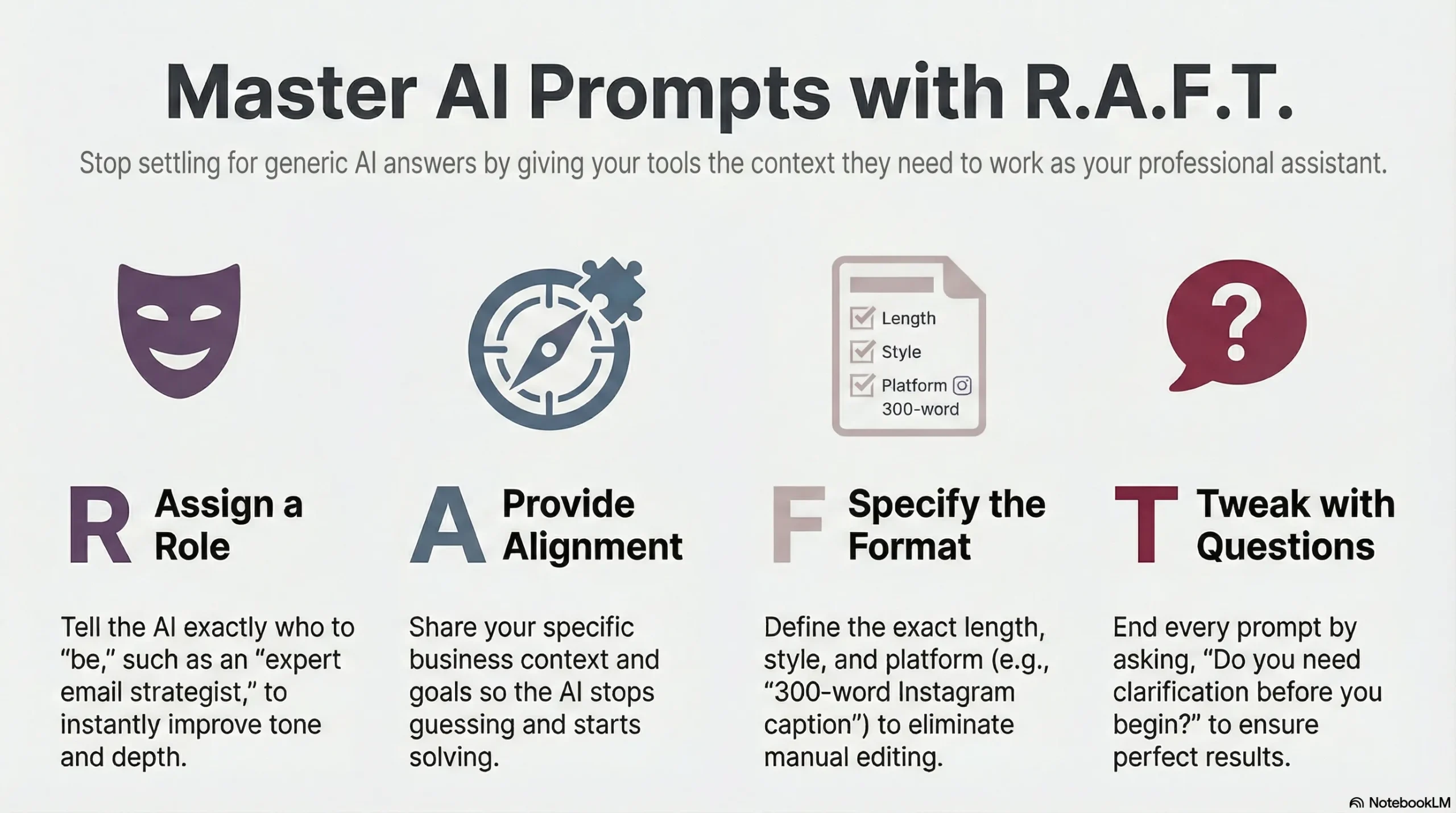
Before you ask AI to write anything, give it context. This is where most beginners get stuck.
What to provide:
-
Who you serve (your ideal client)
-
What you offer (and what you do not offer)
-
Your tone (warm, clear, supportive, confident)
-
A basic goal for the content (traffic, leads, email signups)
Simple prompt:
“You are helping a small business owner market their services online. My tone is warm, clear, and encouraging. My offer is [offer]. My audience is [audience]. Write an outline for a blog post that helps a beginner take action without overwhelm.”
This one step makes everything else easier.
Step 2: Use AI to plan content you can actually follow
Consistency builds trust, but consistency is hard when you are doing everything.
Use AI to create a simple weekly plan you can repeat.
Simple prompt:
“Create a 4-week beginner content plan for a small business that offers [service]. Include: 1 blog post topic per week, 3 social posts per week, and 1 email idea per week. Keep it simple and practical.”
If you want to build authority, focus on:
-
The questions clients ask you most
-
The mistakes you see people make
-
Simple explanations that reduce confusion
-
Practical next steps
Step 3: Draft faster, then make it sound like you
AI can draft quickly. Your job is to guide and refine.
A helpful rule: AI writes the first draft. You write the final message.
Simple prompt for a blog section:
“Write the introduction for this blog post outline. Keep the tone warm, clear, and supportive. Use short paragraphs. Avoid jargon. Do not use hype language.”
Then do a quick “voice pass”:
-
Add a personal insight (what you’ve noticed working with clients)
-
Add a real example (a common scenario)
-
Add a simple next step (one action they can take today)
That is how your content stays human and trustworthy.
Step 4: Use AI to support SEO (without stuffing keywords)
SEO does not have to feel technical. At a basic level, you are helping search engines understand what your post is about.
Use AI to:
-
Suggest keyword phrases
-
Improve headings for clarity
-
Draft a meta title and meta description
-
Generate a short FAQ section based on common questions
Simple prompt:
“Suggest 8 beginner-friendly keywords and questions for a blog post about using AI for digital marketing. Then write 5 SEO-friendly H2 headings that sound natural.”
Then keep it grounded:
-
Use the keywords naturally
-
Write for your reader first
-
Avoid making claims you cannot back up
Step 5: Repurpose your content so you are not starting over every time
One blog post can become:
-
3 to 5 social posts
-
1 email newsletter
-
A short checklist
-
A simple reel or short video script
Simple prompt:
“Turn this blog post into: 3 LinkedIn posts, 3 Instagram captions, and one email newsletter. Keep the tone warm, encouraging, and practical. Include a gentle call to action.”
Repurposing is one of the fastest ways to build visibility without burning out.
Beginner examples: AI prompts you can copy and use
Here are a few you can keep in your notes:
1) Clarify your message
“Ask me 10 questions to clarify my offer and ideal client. Then summarize my positioning in 2 sentences.”
2) Write better website copy
“Rewrite this homepage section to be clearer and more client-focused. Keep it friendly and professional. Avoid buzzwords.”
3) Create social content from one idea
“Give me 10 social post ideas from this topic: [topic]. Make them beginner-friendly and practical.”
4) Draft an email that sounds like a person
“Write a short email that shares one helpful tip about [topic] and invites the reader to take one small step today.”
Common mistakes beginners make with AI (and what to do instead)
Mistake: Asking vague prompts
Instead: Provide context (audience, offer, goal, tone).
Mistake: Copy and paste without editing
Instead: Add your example, your opinion, and your next step.
Mistake: Using jargon because it sounds “more professional”
Instead: Use clear language and explain terms in plain words.
Mistake: Trying to do everything at once
Instead: Pick one channel to start (often: website + email list), then expand.
Want a simple plan you can follow this week?
If you want clarity without complexity, book a $97 Digital Marketing Strategy Session (60 minutes).
In this session, we can:
-
Choose the right marketing priorities for your business
-
Build a simple content plan you can maintain
-
Identify what to fix first on your website, SEO, or email marketing
-
Set up a practical way to use AI that supports your goals
And if you decide to move forward with services after, the session cost can be applied toward future work.